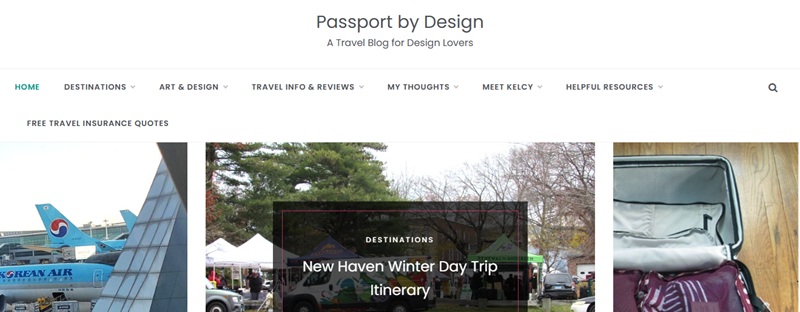
How to Start a WordPress Blog on Hosting.com
In this post we will talk all about how to easily start your own WordPress blog. You can start a money-making blog in a few easy steps!

*Disclosure: I am an affiliate for Hosting.com, which means that if you build a website through hosting.com using my link, I will receive a small commission at no extra cost to you. I appreciate your support of PXD! Read my full disclosure here.
Click on my Hosting.com link to start a WordPress blog, then use the tutorial below for the easy step-by-step directions.
Why Use WordPress with Hosting.com
WordPress is the software you will use to manage your website. Hosting.com will maintain the internet server where your website will live.
If you’re looking to start a WordPress blog, then Hosting.com (previously A2hosting.com) is a great web host choice. I personally have had a great experience with them. They are the only webhosting service I have used in my nearly 8 years of blogging.
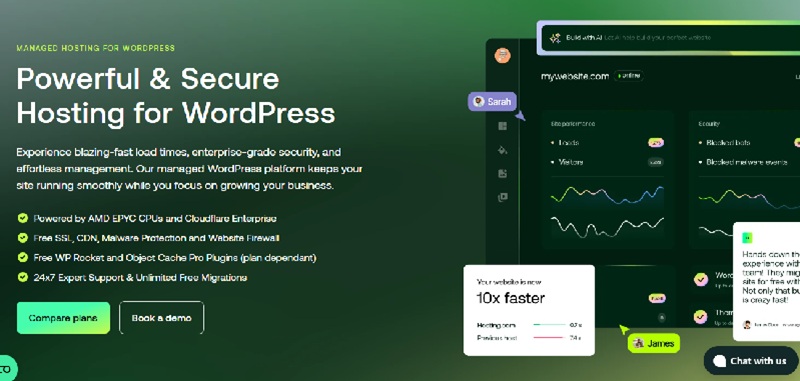
Avoid free websites. Free websites are not self-hosted, and you don’t really own your blog. You might not be able to run any of your own advertisements, affiliate links, direct advertising, etc.
If your goal is to make money blogging, you will need to make some type of investment. Making money blogging requires a professional self-hosted WordPress website. I can save you a percentage off when you use my link.
If you are interested in learning how to start a WordPress blog, continue reading below.
Step 1. Register your domain name (website name)
First, decide on your domain name. This will be the name of your blog or website.
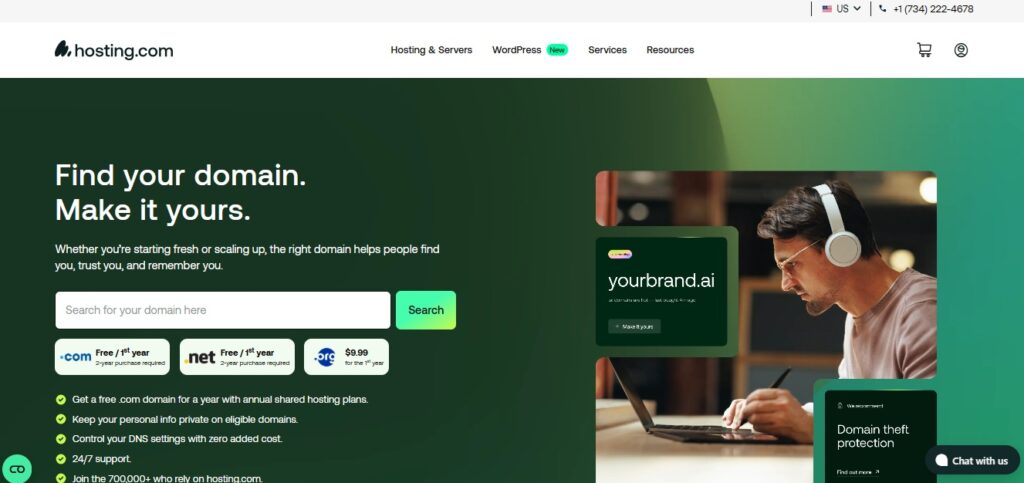
Hosting.com allows your to purchase your domain directly through them, making the whole process very easy.
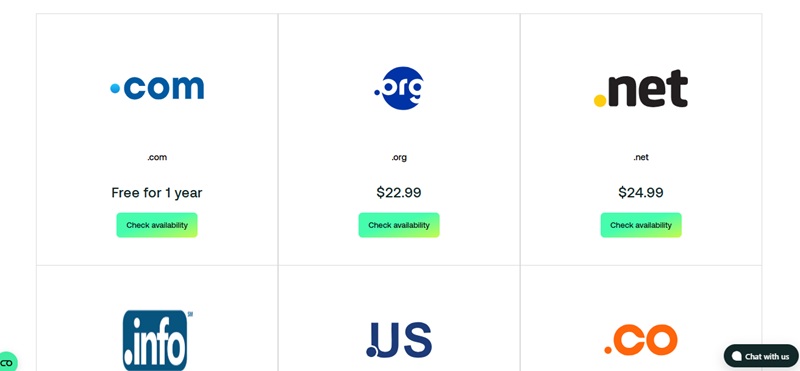
Search for your domain to make sure it’s not already owned by someone else. Get a free “.com” domain for a year with annual shared hosting plans.
Select your domain. Other extensions such as “.org” are also available but cost more for the first year. Add the domain to your basket. (You can also choose to do this when you add your hosting package.)
Step 2. Purchase a hosting package
Hosting is the “street” where your blog will live. It’s easy to choose hosting when you start a WordPress blog on Hosting.com. Choose from the “Starter” or “Plus” plans. It’s all you really need.
Purchase at least a 12-month hosting plan. Paying month-to-month may sound enticing. However, it is less effective. When you sign up for a minimum of 12 months, you will receive lower pricing, and you won’t have to deal with an expired website after each month.
An expired website means you risk losing visitors/traffic. It’s also much more expensive to pay month-by-month rather than all at once. Sign up for more months and pay less long-term.
There is a toggle button to choose whether you pay monthly or yearly.
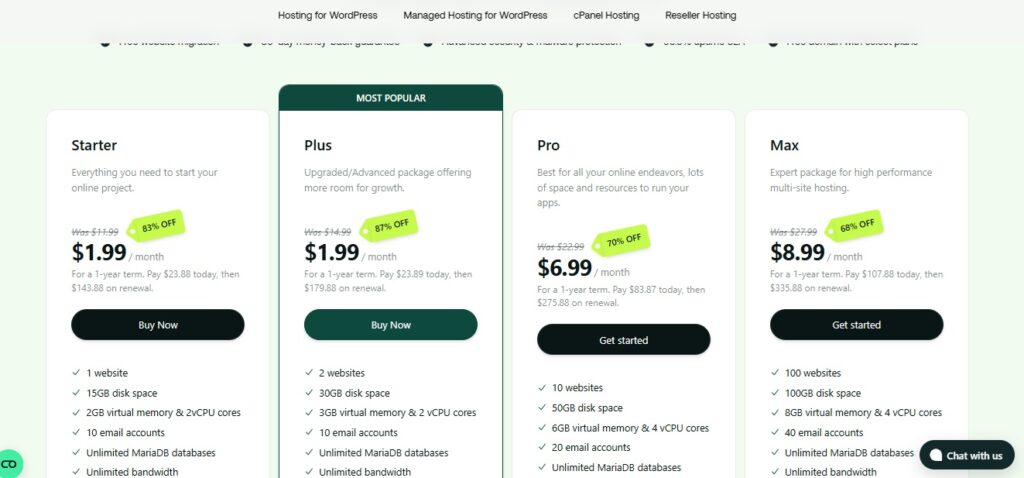
Choose your package, then click “Buy Now.”
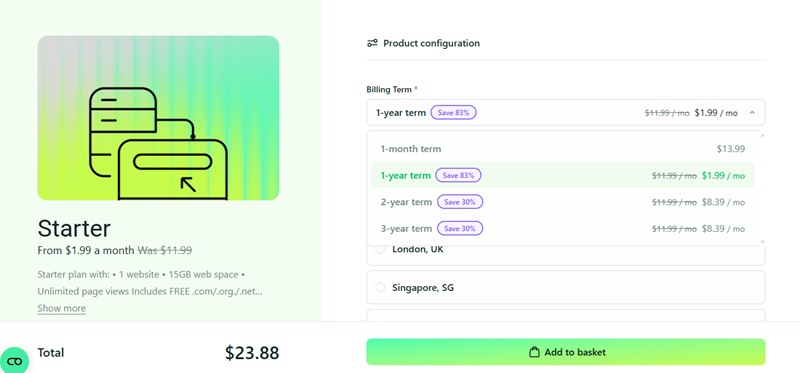
Choose the 1-year term or longer (to save even more).
Add your hosting package to the basket and then checkout. You will be asked to create an account.
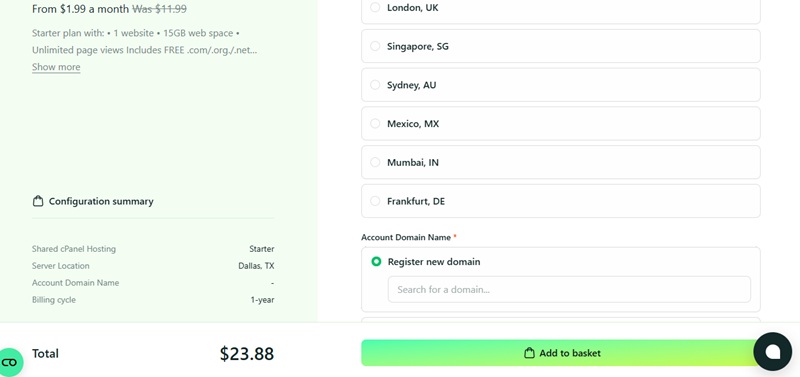
3. Install WordPress on Hosting.com
Hosting.com will guide you through the steps to install WordPress. You will need to pick a WordPress theme. This will be the style of your website and how others see it when they click on your blog. There are free and paid WordPress themes. You can also have someone build a custom WordPress theme for you.
5. Write your first blog post
Add blog posts by clicking on “Posts” on the left-hand side of the WordPress dashboard (you will need to be logged in).
6. General WordPress setup
The “Appearance” section allows you to change the WordPress theme and other ways your site appears to others. This is also where you add your menu with blog categories. The “Widgets” section allows you to add items to your sidebar, footer, and more. Images can be added in the “Media” section, also on the left-hand side.
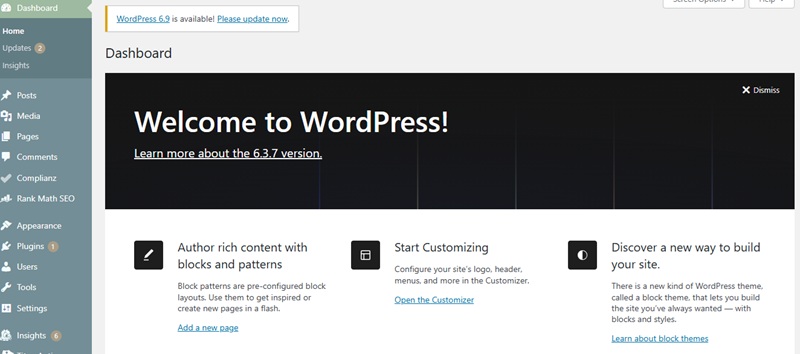
If you have ever thought about making your own blog, or any website of your own, click on my Hosting.com link. See the features that are included. Maybe 2026 will be your year to start a website.
Do you have any questions about starting a blog? Let me know in the comments below. Also check out my other blog posts about blogging.






Very interesting blog.
Keep up the informative blogging….! I know many appreciate this.
Jill,
I’m glad you found the post interesting. I appreciate your support!